Skip to content
Be Our Guest

By six o’clock, everyone knows where to sit.

Plan the room to scale and seat every household. Then share one code: each guest types their name and sees their own table and chair.

The seating screen: the guest list on the left, the room drawn to scale on the right, and Daisy Marsh being dragged onto Table 9.
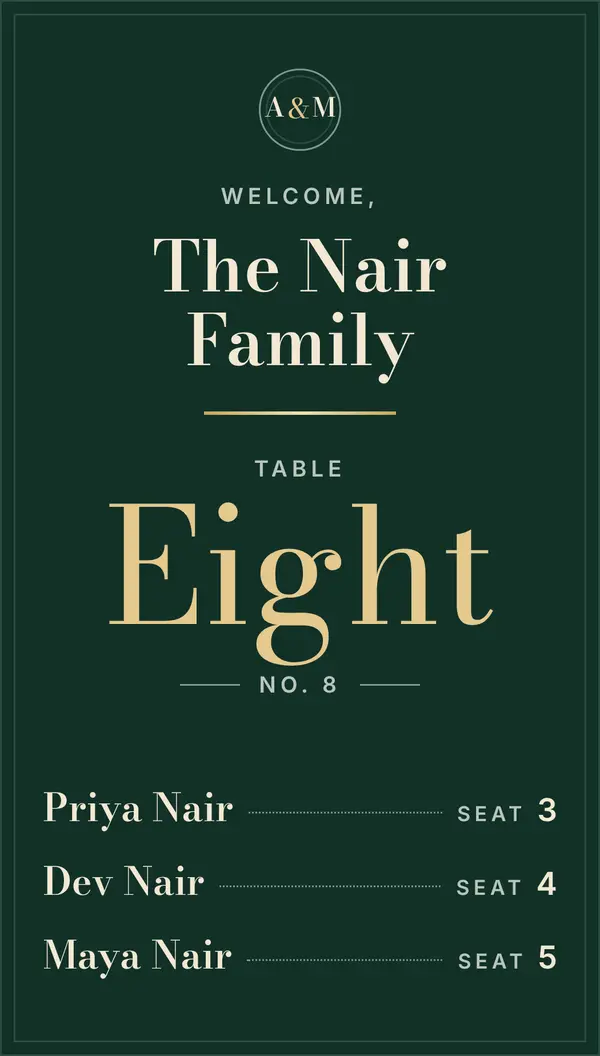
The Nair Family’s place card: Table Eight, seats 3, 4 and 5.

At the door, all it takes is a name.

No app to download and no account to make. Guests use the phone already in their hand.
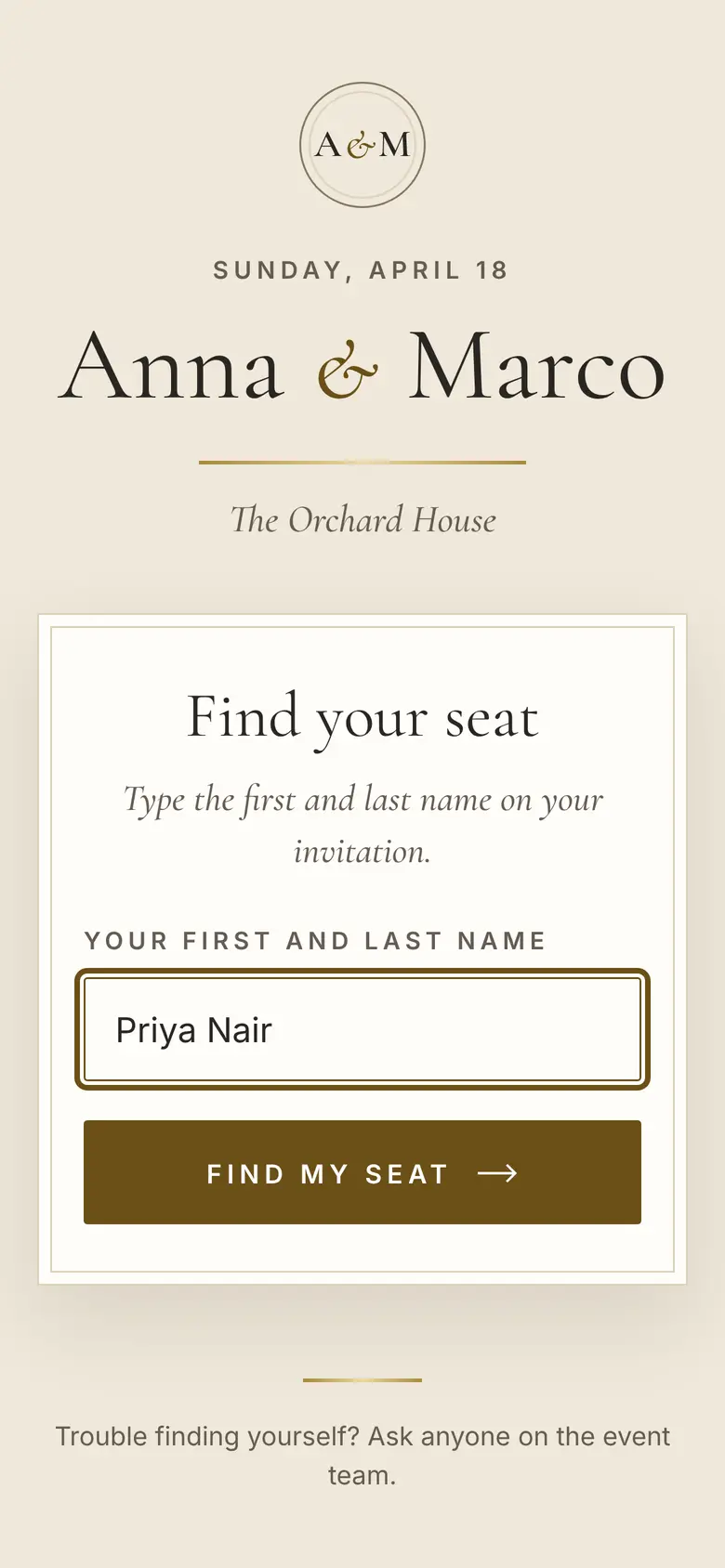
  1. The guest page on a phone: the Anna & Marco card, “Find your seat”, and the name Priya Nair typed into the box.

    They scan the sign and type their first and last name.
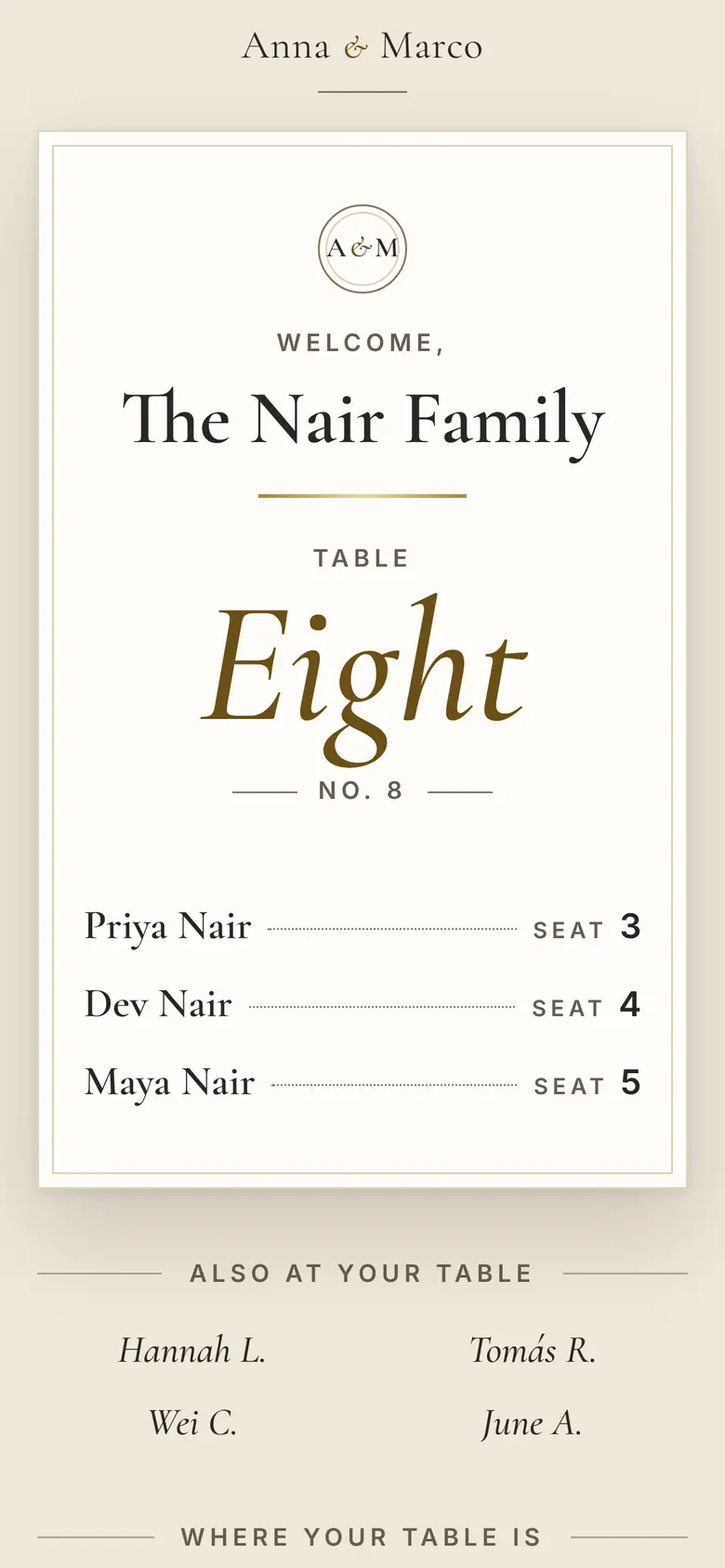
  2. The result on a phone: a place card for the Nair Family, Table Eight, with Priya, Dev and Maya at seats 3, 4 and 5.

    Their card: the table, each seat, the whole household.
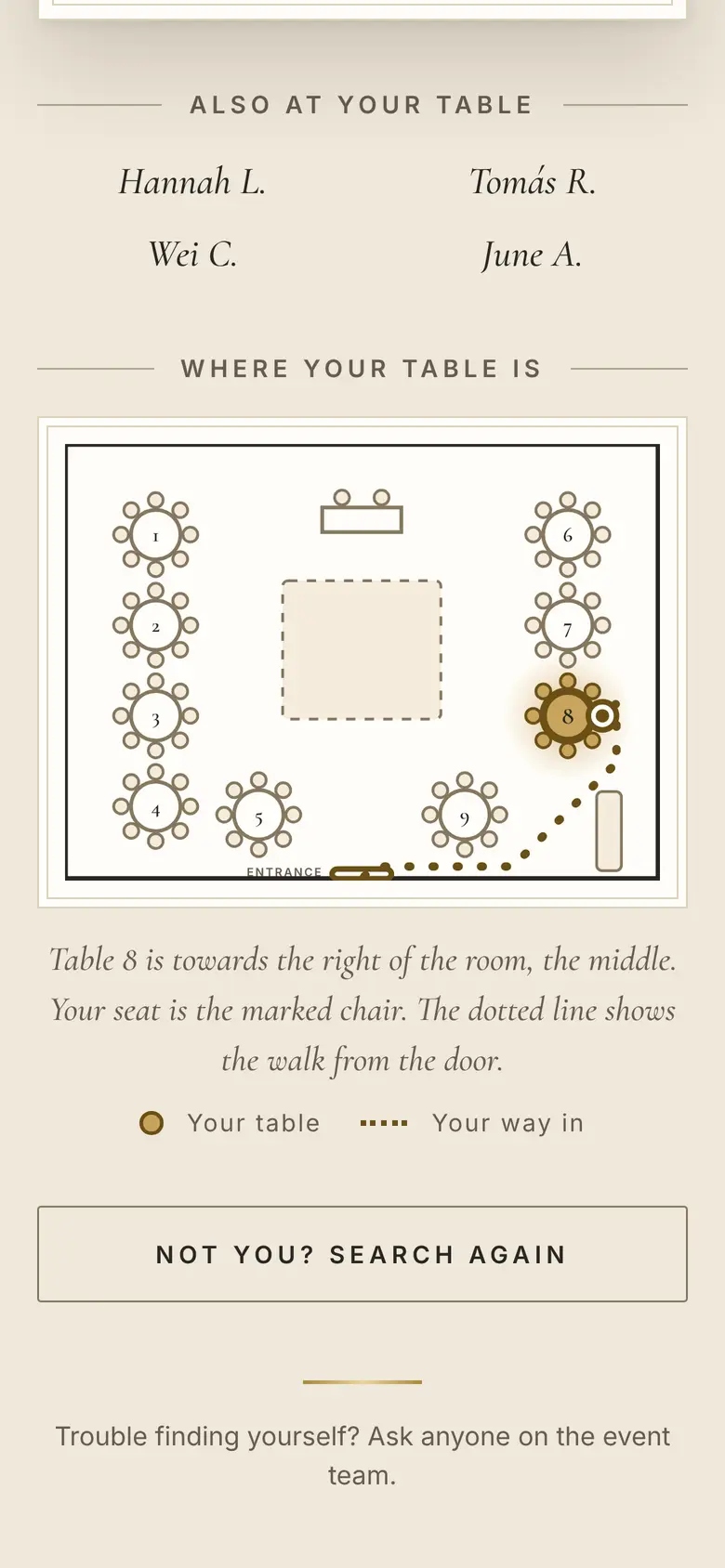
  3. The room on a phone: Table 8 lit in gold, the guest’s chair marked, and a dotted line from the entrance.

    The room, with their chair marked and the way in from the door.

Made for whoever is running the night.

Planners and party businesses

Every event gets its own room, guest list and guest page, and your team works on them together.

Venues

Keep each room drawn to scale, save your usual layouts, and start a client’s event from one of them.

Couples

Plan your own wedding, or work on the list with your planner as an editor.

You draw the room. Then you seat it.

Start from a blank room at its real size, or trace your venue’s floor drawing. Round, long and head tables, the dance floor, the bar and the doors. Then drag each name onto a chair; the list beside the room shows who still needs a seat and what they are eating.

The seating screen after the drop: Daisy Marsh in her chair at Table 9.
The seating screen on a laptop, with an invented guest list.
The Nair Family’s place card before the change: Table Eight, seats 3, 4 and 5.The same place card after the change: Table Five, seats 1, 2 and 3.

Change it at four. They see it at six.

The guest page reads your chart at the moment someone looks. Move the Nairs to Table Five in the afternoon, and the card they open that evening says Five.

The sign at the door never changes, so there is nothing to reprint.

Dressed for your event.

Start from one of five looks, then make it yours: the colours, the fonts, a monogram or your logo, and the words on the card. Every colour is checked for legibility before it saves.
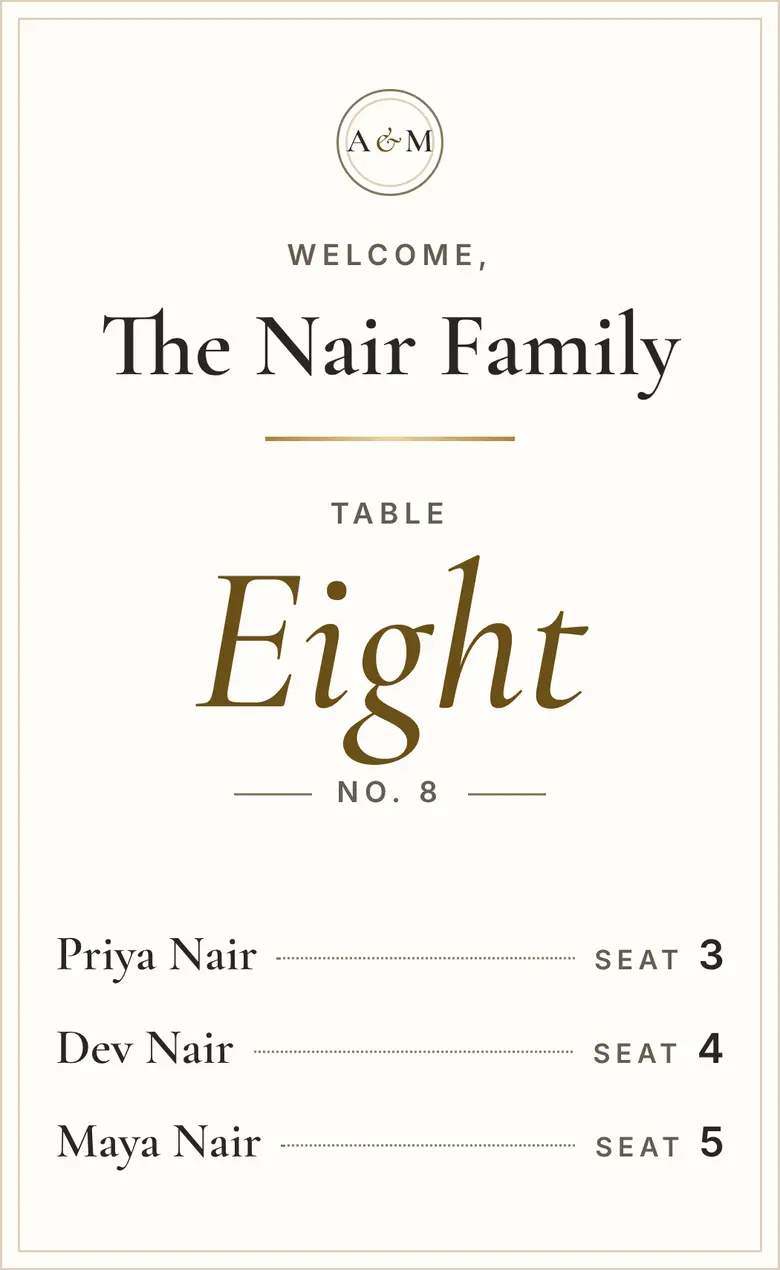
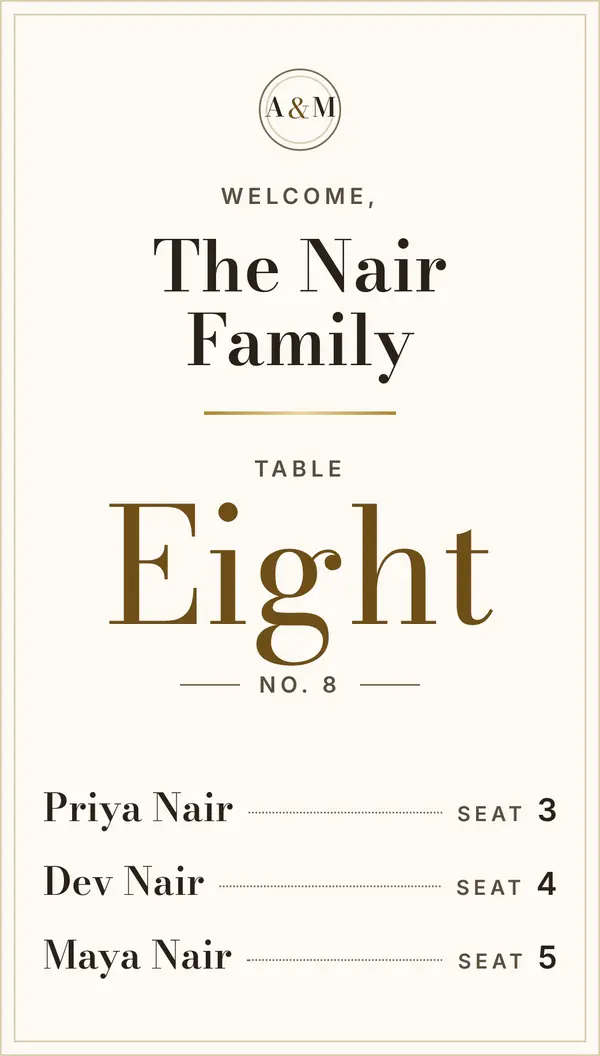
  • The place card in the Escort Card look: ivory card, Cormorant, a bronze table name.

    Escort Card

  • The place card in the Candlelight look: deep green with champagne type.

    Candlelight

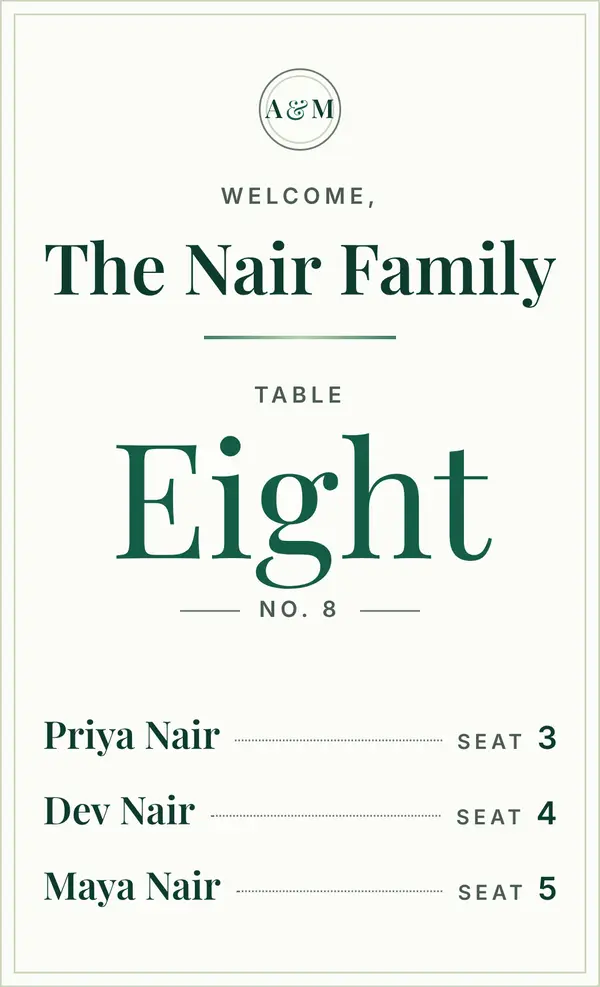
  • The place card in the Evergreen look: white card, green type.

    Evergreen

  • The place card in the Dusk & Gold look, set in Bodoni.

    Dusk & Gold

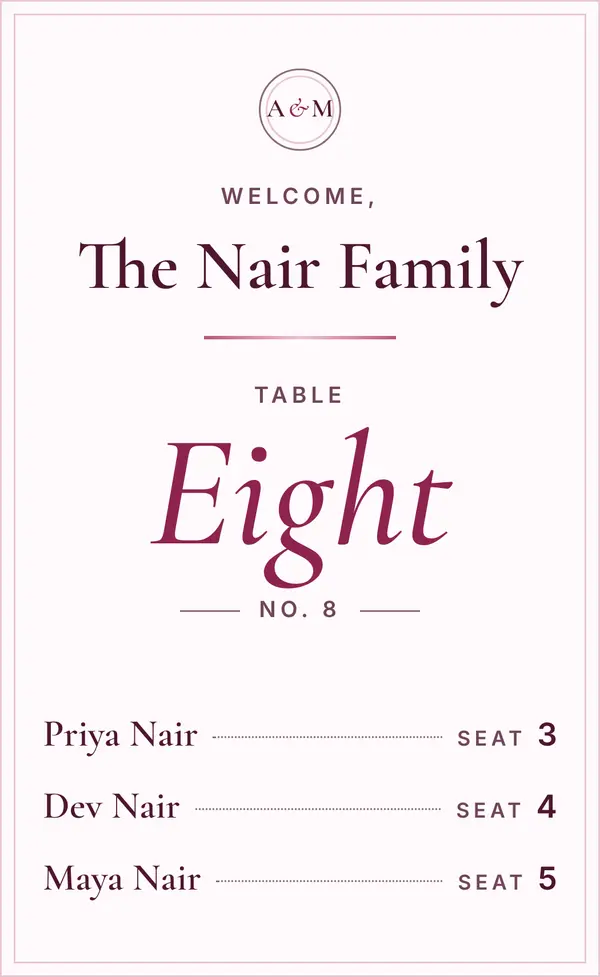
  • The place card in the Rosa Quince look: blush paper, plum italic.

    Rosa Quince

Also on the table.

Your guest list
Imported from your spreadsheet and kept in households.
Who can look
Name search, an event code on the sign, or a code for each household.
Replies
Mark each household’s reply in the guest list, and filter by it.
Printing
The QR sign, the escort list for the easel, a setup diagram for the crew, and the household codes.
At the door
A check-in link for your staff’s phones, with counts as households arrive.
Your team
Add the couple or a colleague as editors.
Next time
Save a room’s layout and start the next event in that room from it.

Bring your next room.

Request access, then draw the room and import the list.